
The 'What’s New' Section
The What’s New section is a space inside each app’s Preferences page where you can review recent updates and relevant information about the app you are using. Its purpose is to make important changes easier to find and to give you direct access to additional details when needed.
You can access the new section from the Preferences page on each app’s main dashboard.
Although the content varies depending on the app, the layout and navigation are the same across all of them.
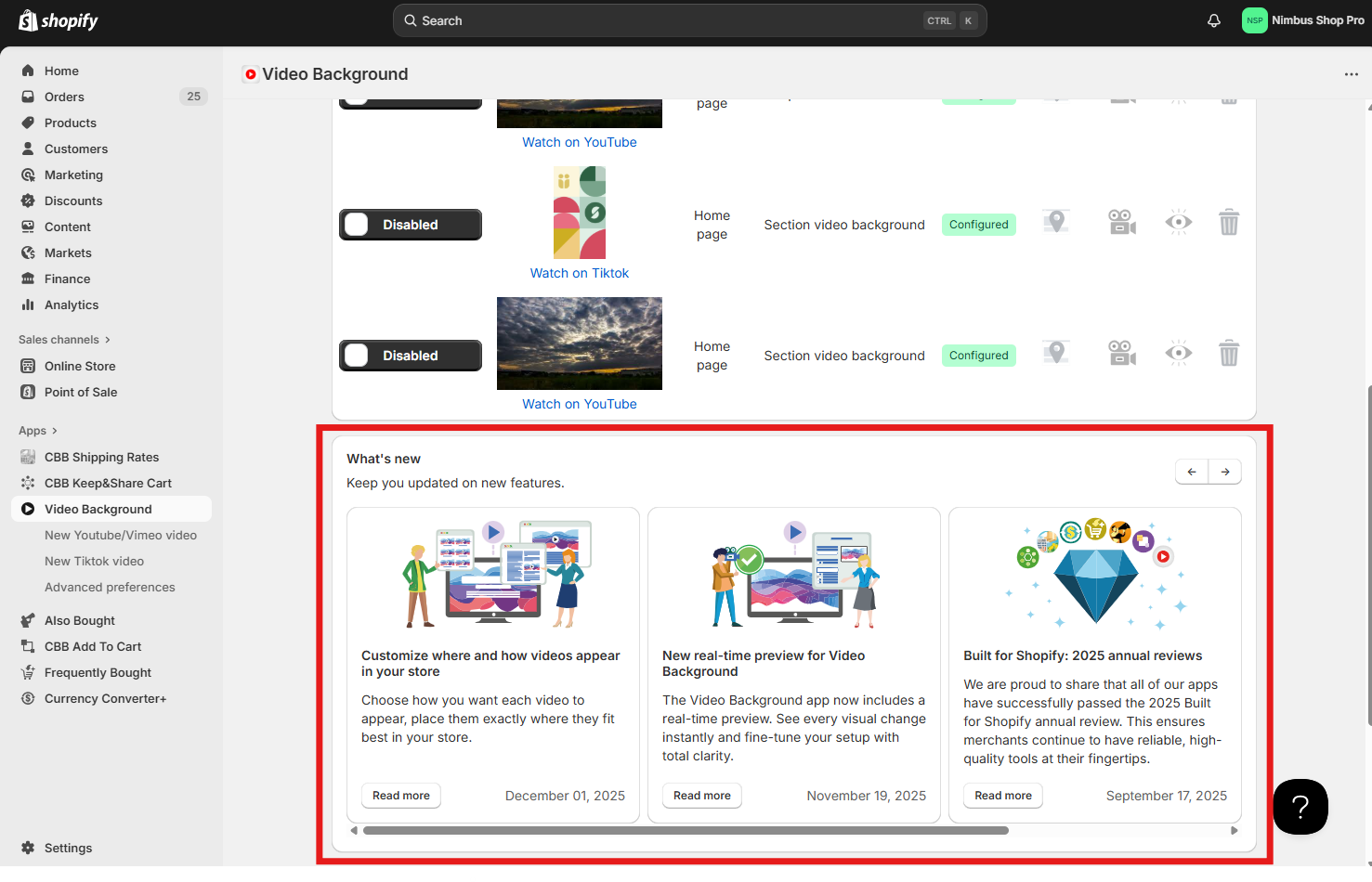
It appears after all the app’s key settings, summaries or statistics, depending on the app. Once you scroll past the main dashboard content, the section will be displayed just above the footer.
What you will find in the section
The content of this section varies depending on the app, but it may include:
- New or updated features
- Improvements to existing functionality
- Configuration tips or helpful insights
- Announcements related to the app
Each item appears as a card in a horizontal carousel. When available, you can move between cards using the left and right arrows.
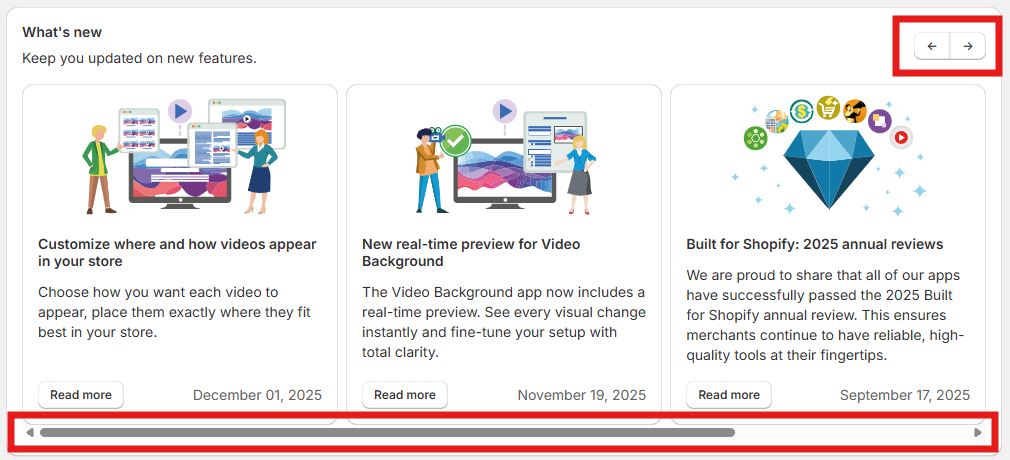
Every card includes a title, a short description and a button. When the button links to an external resource, such as a Help Center article or a blog post, it will appear as Read more. When the update refers to a feature you can configure directly in the app, the button will appear as Try it now and take you to the corresponding preferences page.


This section provides an easy way to keep track of changes that may affect how you use the app.
Instead of searching through documentation or release notes, you can quickly see relevant updates and access the full details whenever you need them.
If you have questions about any update displayed in the section, feel free to contact our support team and we’ll be happy to help.